


Print Lunch Cards (Teacher Portal)
Last updated: Aug 19, 2025
299
views

1. Click the Printer icon for the class you want to print

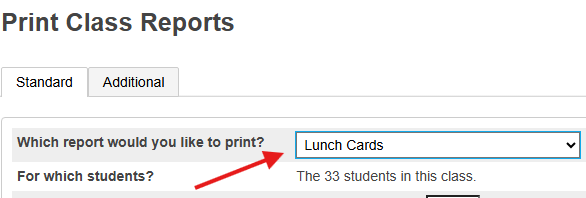
2. Select Lunch Cards for the report to print
3. The report will be listed in the Report Queue

