Teacher View of State Score Report

Last updated: Jan 13, 2026
97
views

The following instructions help teachers view State Student Score Reports for students assigned to their sections.
1. Click the Student Information icon
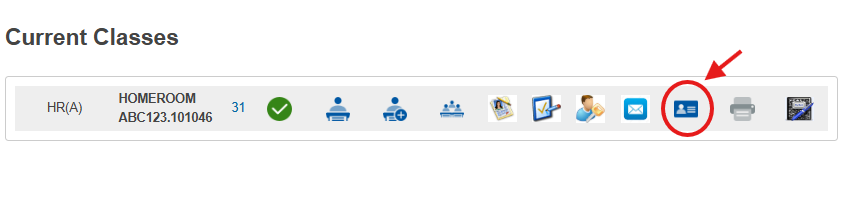
2. Click a student name on the left-side list
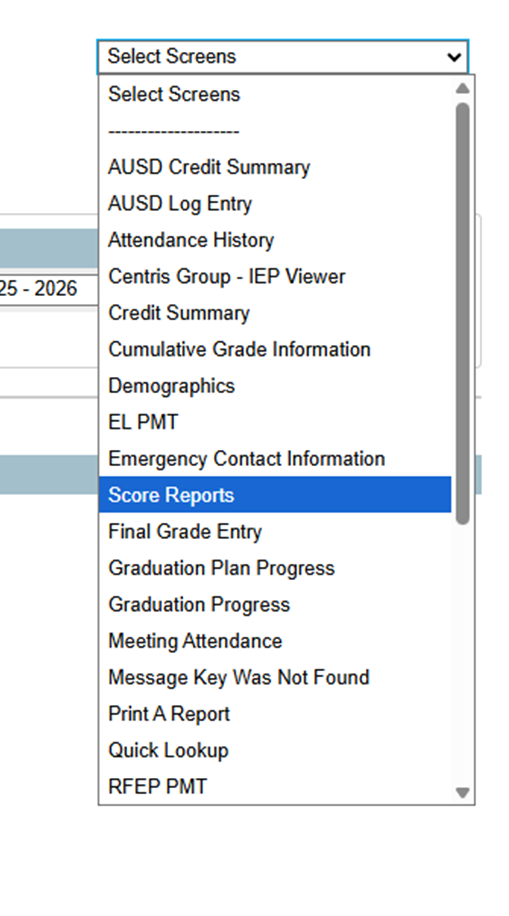
3. Select Score Reports on the right-side drop-down menu
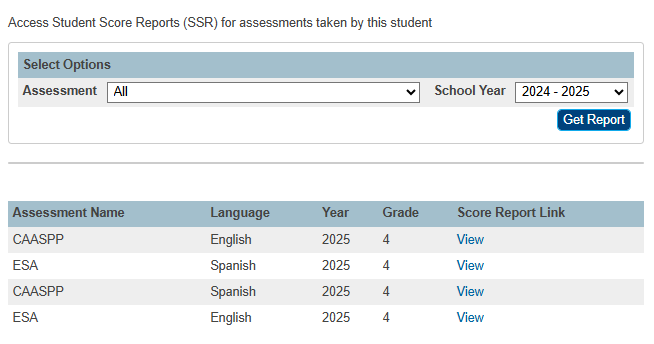
4. Filter Assessment and School Year to narrow search
5. Click the View link to open the Score Report