SGAP and DGAP Alert Update

Last updated: May 14, 2026
110
views

The following instructions will update the SGAP/DGAP alert for the student. The alert is based on a checkmark found in the Growth Plan link within the More pages in the student record.
Alert Icon: 
- Go to the Student record
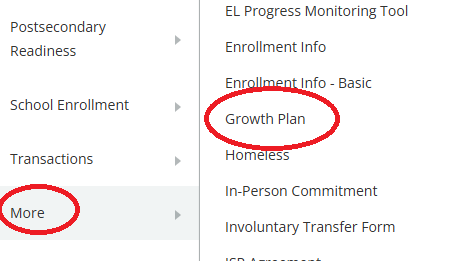
- Click Growth Plan within the More menu
- Check the box to activate or deactivate the Growth Achievement Plan Alert
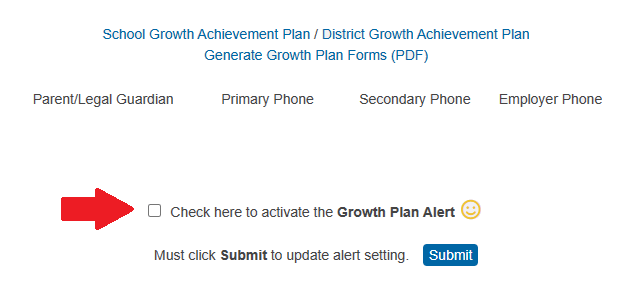
- Click the Submit button to save
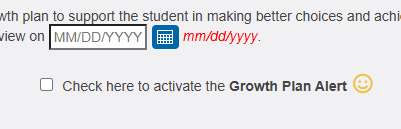
The checkmark is also available when filling out the School or District Growth Achievement Plan.